This guide combines all your essential keyboard and mouse controls for a seamless experience.
General Workflow Shortcuts #
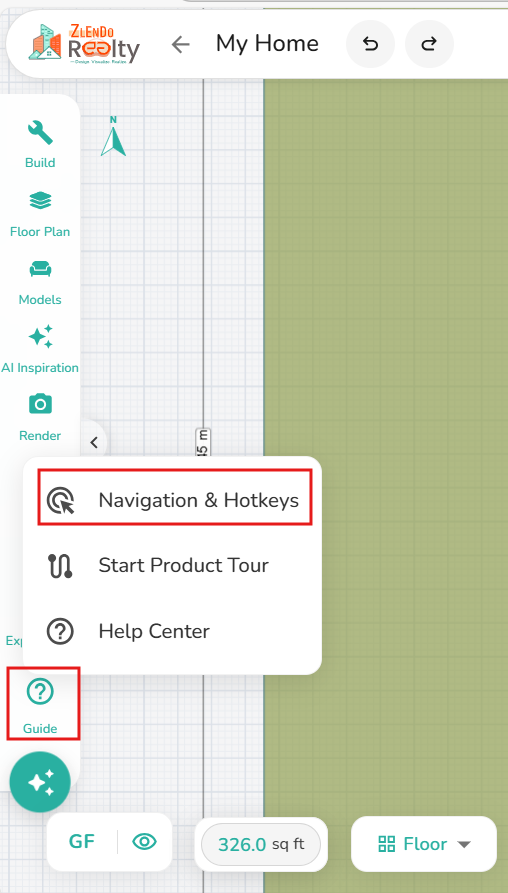
Workspace sidebar –> Guide –> Navigation & Hot Keys
| Action | Windows (Win) | Mac |
| Undo | Ctrl + Z | Cmd + Z |
| Redo | Ctrl + Y | Cmd + Shift + Z |
| Save | Ctrl + S | Cmd + S |
| Delete | Del | Backspace |
2D Workspace Navigation #
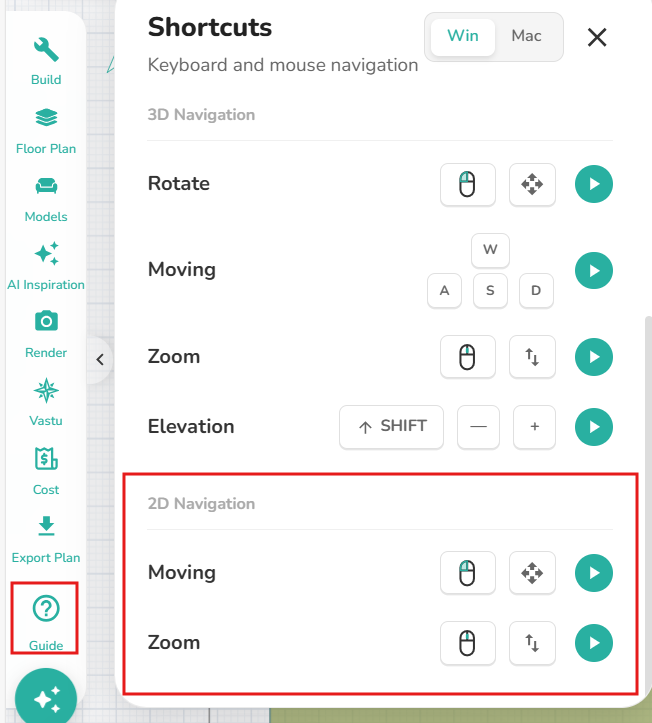
Workspace sidebar –>Guide –> Navigation &Hot keys
Pan/Move: Left-click and drag.
Zoom: Scroll the mouse wheel up/down.
📌 Note: For any of these navigation steps, you can click the green play button in the workspace menu to see a live video demonstration of the movement
3D Navigation (Spatial View) #
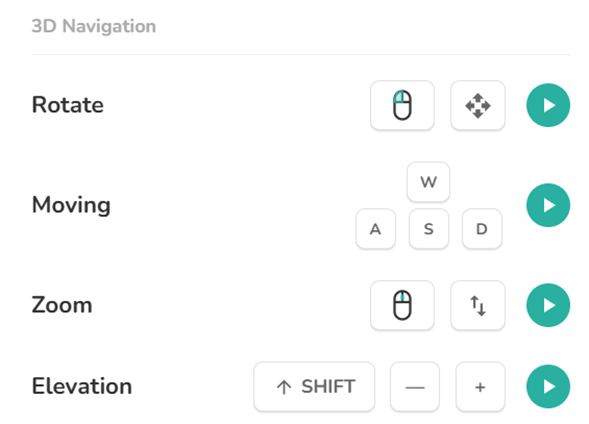
Workspace sidebar –> Navigation Guide –> Shortcuts: 3D
Rotate/Orbit: Left-click and drag.
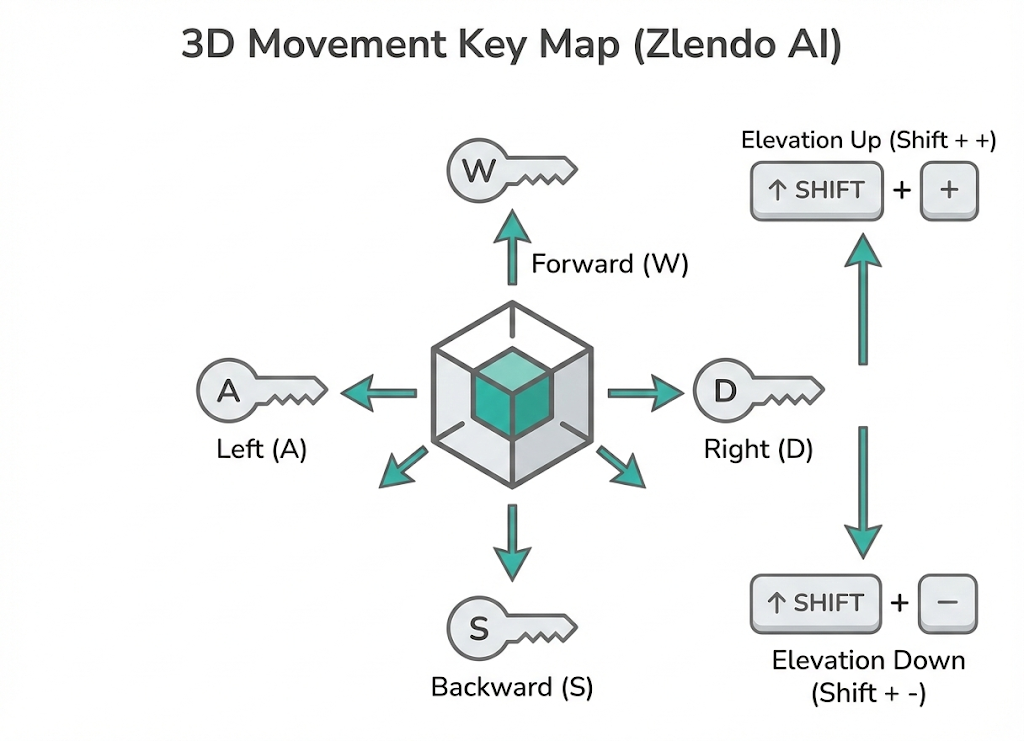
Move (Lateral): Use W, A, S, D keys.
Zoom (Depth): Scroll the mouse wheel up/down.
Elevation (Vertical): Shift + + (Up) or - (Down).
📌 Note: For any of these navigation steps, you can click the green play button in the workspace menu to see a live video demonstration of the movement
3D Keyboard Movement Keys #