First-time Sign In #
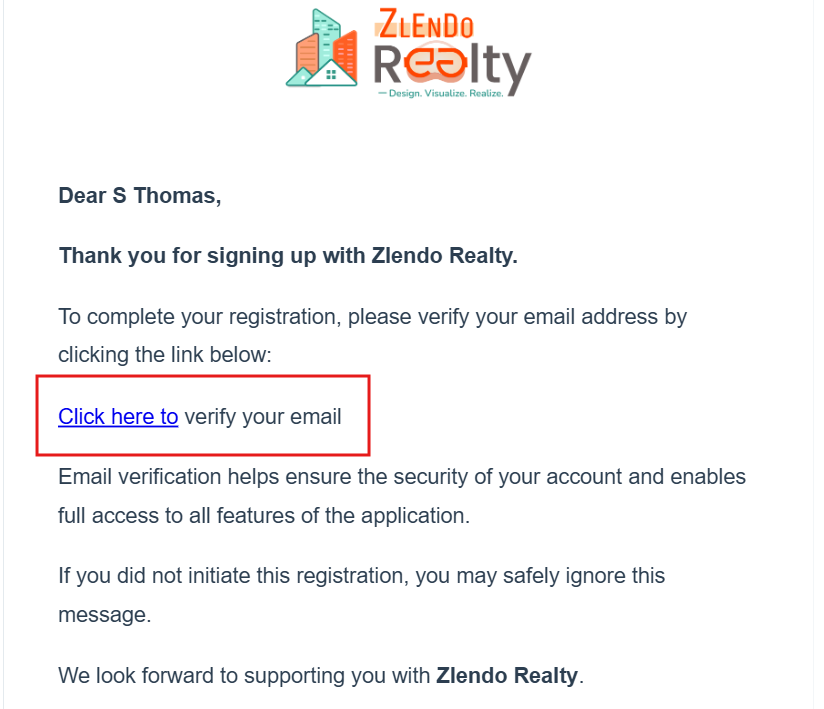
After registration, check your registered email address for a verification request from Zlendo Realty Support.
Cannot find the email from Zlendo Realty? #
Check your Junk mail folder in case you have preset mail filters.
Verifying Your Email address #
Click on the verification link. You will be redirected to the Zlendo Realty Sign In page.
Enter your registered email and password (created at the time of registration).
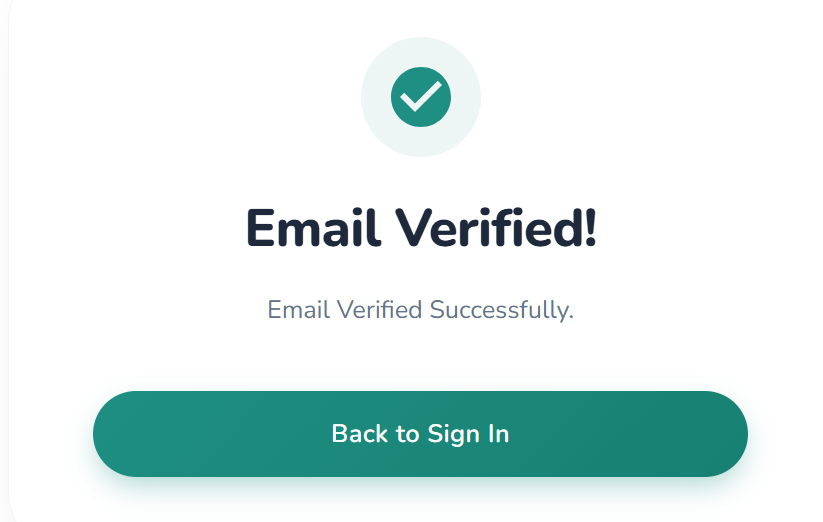
You will see the Email Verified success notification.
Signing In after Verification #
To Sign in after email verification, click on the Back to Login green button.
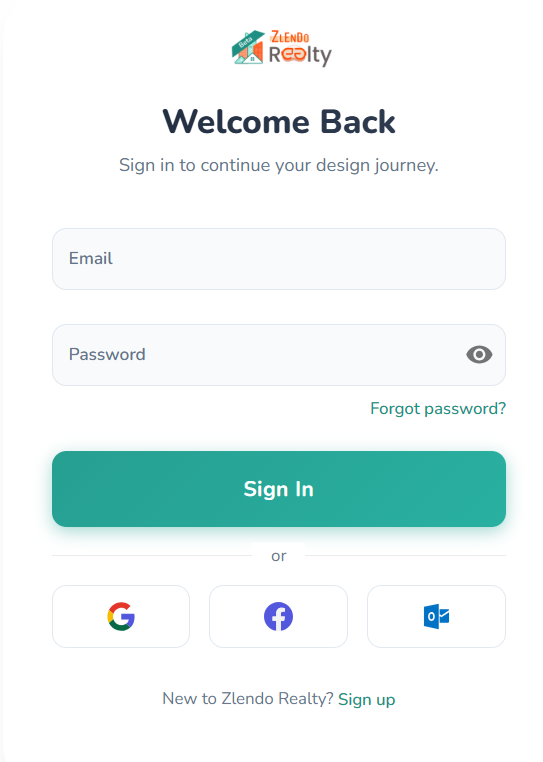
Enter your registered Email and Password.
Click on Sign In. Voila! You are in your Zlendo Realty Dashboard!
Other Sign In Options #
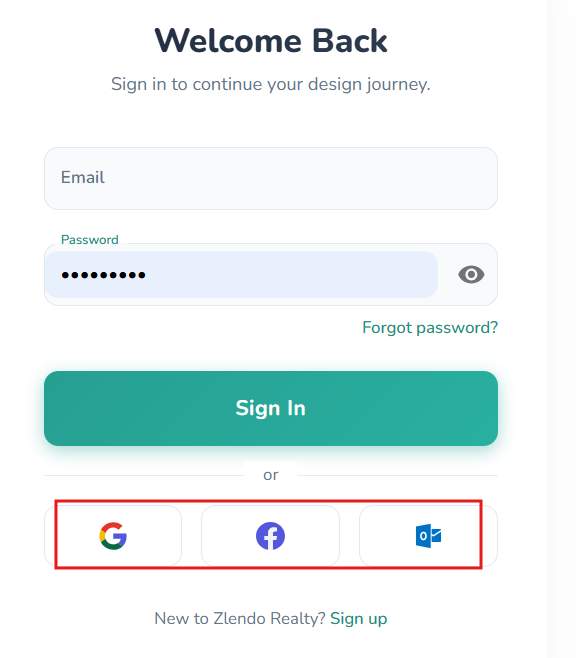
Alternative sign in options include Social Login (Google / Facebook / Microsoft).
To Sign in using your social / email account, Click on the Google, Facebook or Microsoft Outlook icons.