Zlendo Realty Account for Individuals #
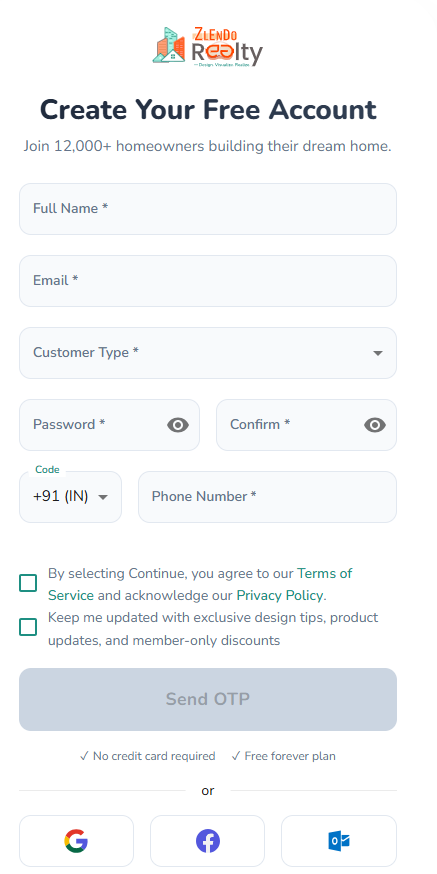
To start a Zlendo Realty account fill out the Account creation / Sign Up form.
Fill all the fields in the form: Start with your Name and Email address.
Choose Customer Type from the drop-down list. Select the category that best describes why you want to use Zlendo Realty
(e.g., Homeowner if you want to use Zlendo Realty to visualize your dream home plan.)
In the Password field, type in your password and confirm it.
Your password must have at least:
– one uppercase letter
– one lowercase letter
– one number
– one special character
To view or check the password you have entered and confirmed, click on the eye icon.
Check the first green box to agree to the Zlendo Realty Terms of Service and Privacy Policy.
Check the second green box to receive exclusive design tips, product updates, and member-only discounts
You can now click on the OTP button.
You will now receive an OTP on your registered mobile number. Use it to complete the Sign-up process.
After Signing up, check your email for the verification link.
Click on the email verification link to complete your first-time sign in and access your new Zlendo Realty Account.
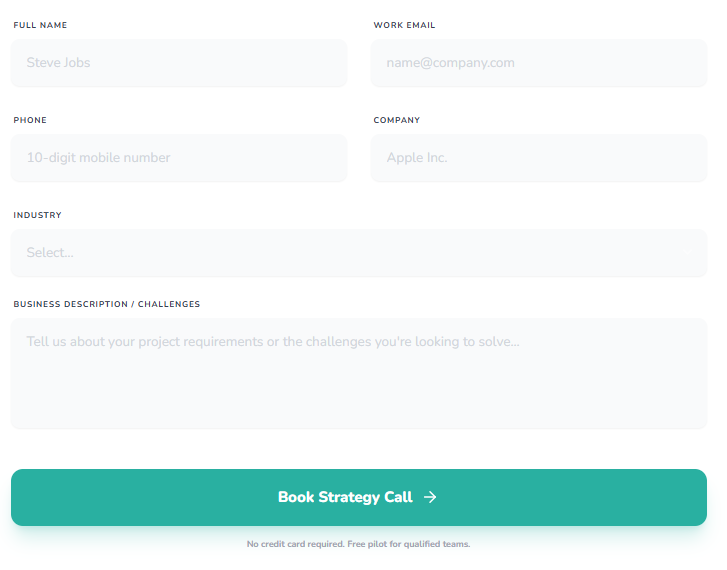
Zlendo Realty Account for Business #
The Zlendo Realty Business Account is built for Architecture and construction companies.
Book a Demo and you can experience the Zlendo Realty cutting-edge advantage with an expert-guided tour in real-time.
Fill out the Demo request form including your name, work email, mobile number, Company Name, and Industry.
Specify design challenges you would like to solve to help us give you the best Zlendo Realty strategy.